> ## Documentation Index
> Fetch the complete documentation index at: https://docs.dangoweb.com/llms.txt
> Use this file to discover all available pages before exploring further.
# June Monthly Newsletter
> In this issue: PHP version upgrade, CMS upgrade, and CMS automatic backups.
📅 Published July 1st, 2025 by [Faisal N](https://faisaln.com/)
## PHP Version Upgrade
PHP on our **DirectAdmin** Web Hosting system has been updated to `v8.4.8`. To use this version, open [ DirectAdmin > PHP Selector](https://da.dangoweb.com:2222/evo/user/plugins/phpselector) and select `8.4` under the "Current PHP version" dropdown.
## CMS Upgrade
The maintenance log for this update is available [here](https://status.dangoweb.com/maintenance/601046).
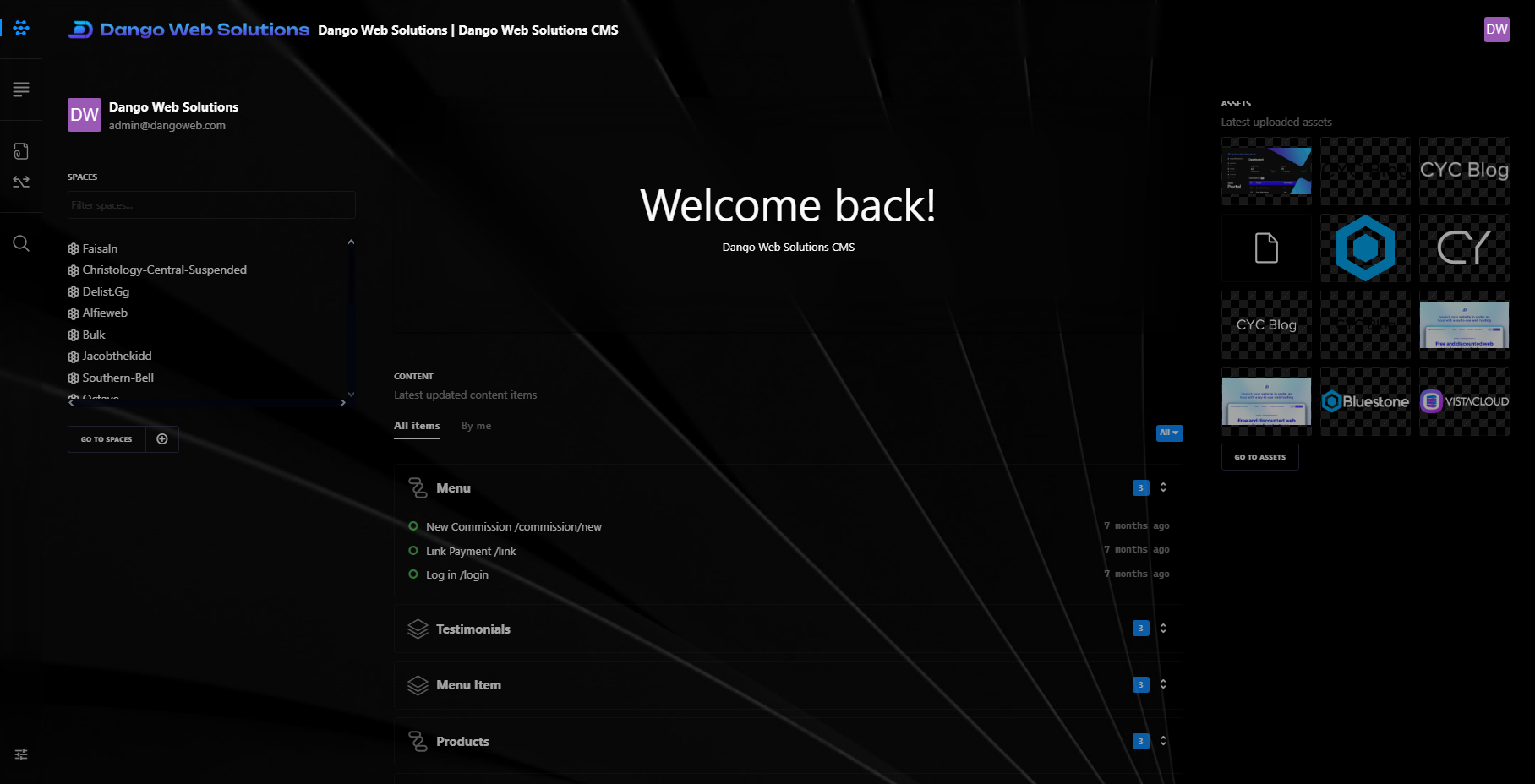
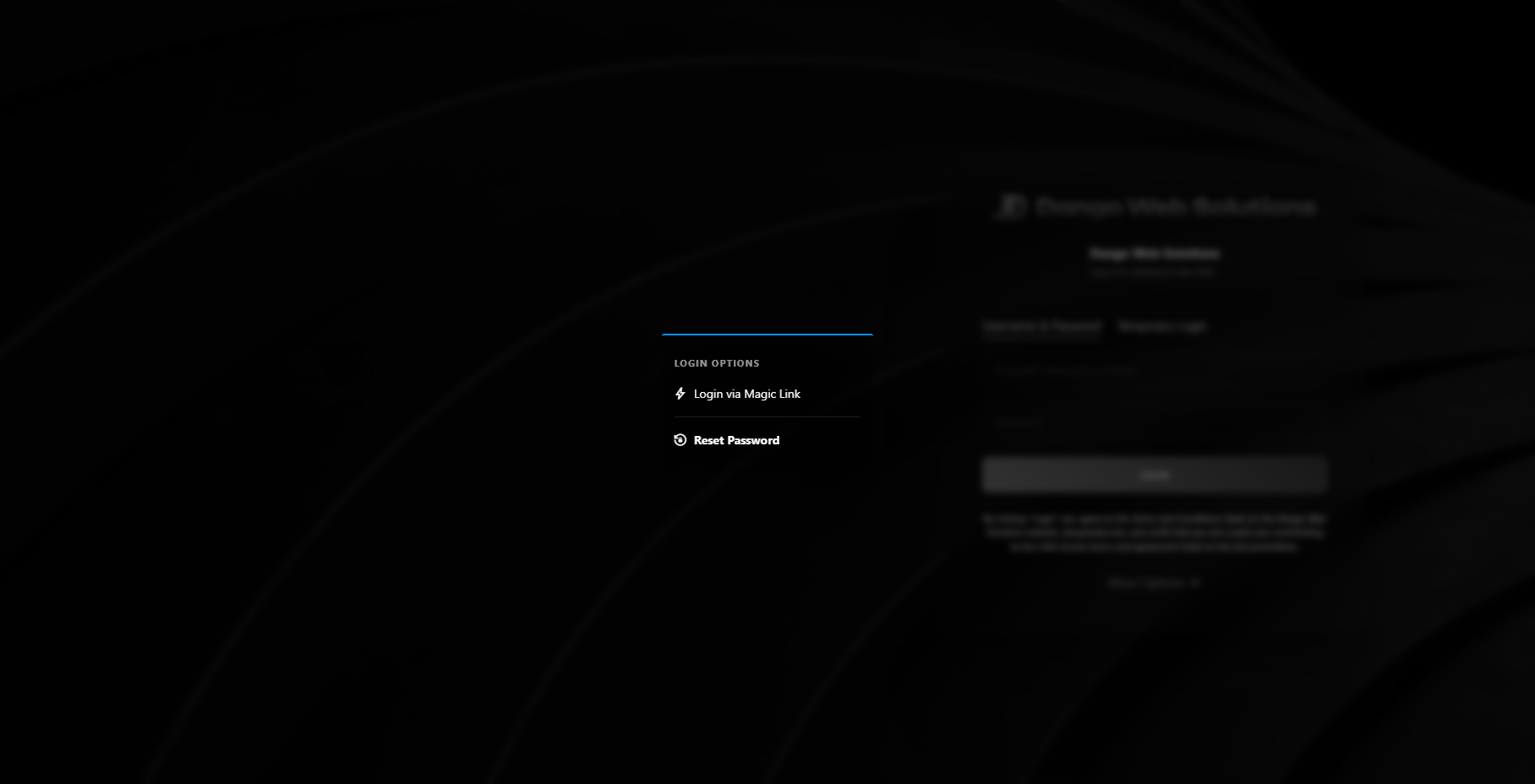
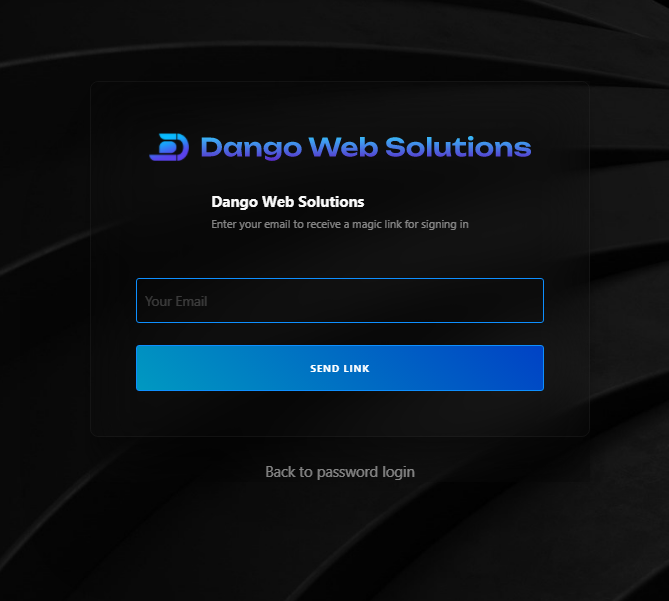
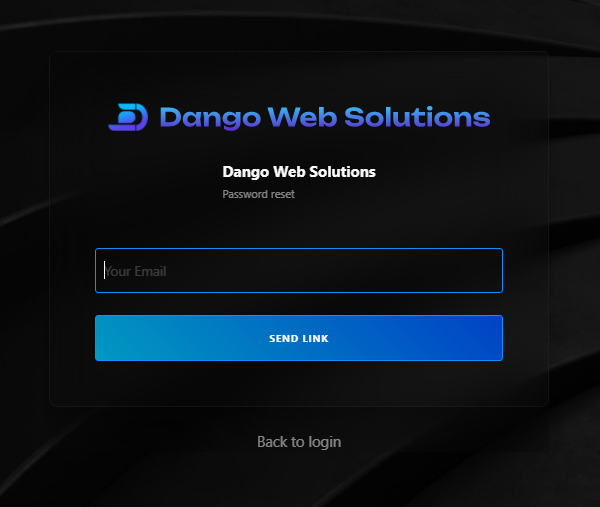
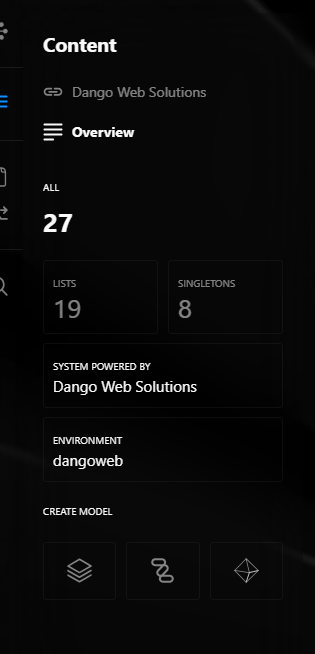
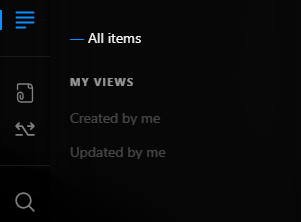
From June 11th 11:50PM to 11:51PM EDT we performed a CMS update, migrating to the latest version which includes many new features to explore, including login via magic link, password resets, refactored dashboard homepage, API rate limits, updated sidebar, content views, general improvements, bug fixes, and much more. Log into the CMS to view these updates in effect.
In the event of any frontend bugs experienced, a second instance of the CMS can be accessed here: [cms-2.dangoweb.com](https://cms-2.dangoweb.com/).
 \
\
 \
\
 \
\
 \
\
 \\
\\
 ## CMS Automatic Backups
The maintenance log for this update is available [here](https://status.dangoweb.com/maintenance/603020).
We enabled automatic backups for the CMS. Every morning, client CMS data such as item data, assets, users, and settings, will be backed up to secure external servers, allowing for easy data restoring if something goes wrong with your instance. Backups will be available for restoration on support request.
## CMS Automatic Backups
The maintenance log for this update is available [here](https://status.dangoweb.com/maintenance/603020).
We enabled automatic backups for the CMS. Every morning, client CMS data such as item data, assets, users, and settings, will be backed up to secure external servers, allowing for easy data restoring if something goes wrong with your instance. Backups will be available for restoration on support request.